A hearing aid with Bluetooth is not automatically compatible with every phone, television, or music device. You will learn how to check compatibility, pair and reconnect your devices, distinguish streaming from hands-free calls, and choose a practical setup for television and music.
Key takeaways
- Check Bluetooth profiles and phone compatibility before buying or pairing.
- Use the hearing aid app or phone settings to reconnect after replacing your phone.
- Confirm whether your voice uses the hearing aid microphones during calls.
- Choose a TV streamer when direct Bluetooth causes delay or poor compatibility.
What Bluetooth Connectivity Means in a Hearing Aid
A Bluetooth hearing aid is not automatically a Bluetooth headphone: “Bluetooth” describes the radio family, while compatibility depends on the audio protocol and profiles supported by both devices. The three labels point to different ways of sending sound, controlling the aid, and conserving battery.
| Option | What it means | What to expect |
|---|---|---|
| Bluetooth Classic | The traditional Bluetooth system used by many headphones, with profiles such as A2DP for music and HFP for calls. | Higher power use; a hearing aid may not accept these headphone connections. |
| Bluetooth Low Energy | A lower-power system designed for efficient control and data exchange. | BLE alone does not guarantee audio streaming; the phone and hearing aid need matching audio support. |
| Hearing-aid-specific wireless systems | Manufacturer-specific protocols built for hearing aids, often using low-energy 2.4 GHz wireless connections. | Direct streaming, fitting controls, binaural coordination, and low battery use, but limited compatibility with other brands or devices. |
Newer LE Audio adds the LE Audio Hearing Access Profile and broadcast audio, allowing compatible hearing aids to receive shared sound from a phone or venue transmitter. Both ends must support the required functions; an LE Audio phone cannot make an older aid compatible.
A hearing aid can also appear in a phone app for adjustments while remaining unable to stream calls or music.
How to Check Compatibility Before You Pair
Confirm compatibility by matching the exact hearing-aid model with your device’s operating-system version. Bluetooth alone does not prove that calls, music, or television audio will stream.
1. Check the hearing-aid manufacturer’s compatibility list or app. Look for your exact Android phone and Android version, then verify Android hearing aid streaming. For an iPhone, check the model and iOS version under iPhone hearing aid connectivity. Repeat the check for each tablet or laptop; support can differ even when both use Bluetooth.
2. Identify the connection method. Ask whether the aids use a manufacturer-specific protocol, Bluetooth Classic, or Bluetooth Low Energy Audio with the Hearing Access Profile. The required Bluetooth profiles must exist in both the hearing aids and the source device.
3. Test the television separately. A TV transmitter made for the hearing aids is often more reliable than built-in Bluetooth, which may support headphones but not hearing-aid streaming. Confirm the transmitter accepts your TV’s optical, HDMI-ARC, or analogue output.
4. Ask what happens if direct streaming fails. A compatible intermediary streamer, wired connection, or telecoil and induction loop can provide another route.
Have the clinician or supplier confirm hearing aid compatibility in writing before purchase, especially when the phone, computer, or television is several years old. A phone that detects the aids for settings may still be unable to stream audio.
Pairing, Reconnecting and Replacing a Phone
Check the exact hearing-aid model and phone operating-system version before you pair Bluetooth hearing aids. A phone can detect an aid for control or fitting yet lack support for streaming calls or music.
- Charge both aids and keep them within 30 centimetres of the phone.
- Restart the aids or open their battery doors, then activate hearing aid pairing mode as the manufacturer instructs.
- Open Settings, choose Bluetooth, and select the hearing-aid name when it appears.
- Accept the pairing request. If the phone lists left and right aids separately, approve both.
- Test a call and music. Check that the phone’s audio output is set to the hearing aids, not its speaker or another device.
A saved pairing does not guarantee an active streaming connection. After a phone or hearing-aid restart, turn Bluetooth off and on, reopen the hearing-aid app, and reconnect hearing aids from the phone’s Bluetooth menu. If audio still stops, check the app’s permissions and select the aids again under audio output.
For a replacement phone, disable Bluetooth on the old phone first. On the new phone, remove old Bluetooth pairing if the aids remain tied to the previous device, restart the aids, and repeat the complete pairing process. If only one aid streams, unpair both, restart them together, and pair them again as a set.
Phone Calls: Streaming the Caller and Sending Your Voice
A paired hearing aid does not guarantee an active call connection. The caller’s audio reaches your aids only when the phone routes call audio to them, while your voice returns through either the phone’s microphone or the hearing aid microphones.
True hands-free hearing aid calls require compatible two-way streaming; otherwise, hold the phone near your mouth even though you hear the caller in both aids.
During a call, use these controls and checks:
- Answer calls with hearing aids through the phone screen, a hearing-aid button, or a compatible remote control; the available method depends on the phone and model.
- Select the hearing aids as the call’s audio output if the caller’s voice stays on the handset.
- Keep the phone’s microphone opening clear when the phone is sending your voice.
- Keep hearing aid microphones uncovered by hair, scarves, masks, or hats when the aids are capturing your voice.
- Move away from traffic, fans, and loud rooms; noise reduction can suppress parts of your speech or make the caller sound processed.
A phone microphone often gives clearer outgoing speech in a noisy place because it sits closer to your mouth. In a quiet room, two-way streaming can feel more natural, but the hearing aid call quality still depends on microphone placement, the fitting, network quality, and the phone–aid protocol.
Make a short test call before relying on the setup.
Television Sound: Streamers, Bluetooth and Lip-Sync Delay
An external TV streamer connected to the television’s optical audio output is usually the most reliable choice for hearing aids for television. It sends sound directly to compatible aids, can preserve the television’s speaker output for other listeners, and avoids the TV’s headphone Bluetooth limitations.
| Option | What it means | Main drawback |
|---|---|---|
| Optical audio output with a TV streamer | Dedicated transmitter sends television sound to the aids | Requires a compatible streamer and an available optical port |
| Built-in Bluetooth | TV pairs with ordinary wireless headphones | May not recognise hearing-aid streaming protocols and may mute or control the TV speakers |
| Headphone or analog output | Wired or intermediary streamer receives the signal | Cables, adapters, or reduced speaker control can make setup inconvenient |
The label TV Bluetooth hearing aids does not guarantee compatibility. A television may support Bluetooth Classic headphones while your aids require a manufacturer-specific low-energy protocol or Bluetooth LE Audio Hearing Access functions. Pairing can therefore fail even though the TV advertises Bluetooth.
Wireless buffering and processing create lip-sync delay, and the amount varies by TV, streamer, connection, and hearing-aid model. Choose a transmitter with an adjustable or low-latency mode, then test spoken dialogue against the actors’ mouths.
Keep the streamer close to the television and confirm whether the TV menu allows speakers and streamed audio to play together.
Music, Battery Life and Choosing a Reliable Setup
Judge music streaming with hearing aids using familiar vocals, acoustic instruments and bass, not a phone call alone. Ask for a hearing aid music program: it can reduce speech-focused processing, but feedback and background noise may become more noticeable.
Check whether streamed sound masks nearby speech, and ask for a microphone-to-stream balance that preserves room awareness.
| Option | What to check | When it applies |
|---|---|---|
| Direct streaming | Strongest personal sound; uses more battery and has model-specific range | Phone or tablet music |
| TV transmitter | Stable room coverage and fewer compatibility problems than built-in TV Bluetooth | Television listening |
| Telecoil hearing aid | Works with an induction loop without Bluetooth pairing | Loop-equipped venues |
| Remote microphone | Sends a nearby speaker or source to the aids | Meetings or difficult rooms |
Do not treat the hearing aid battery while streaming as equivalent to its advertised all-day estimate; both aids, radio use, volume and streaming time change the result. Test range in your home, then compare accessories if dropouts occur.
Mukund Speech And Hearing Center can verify the fitting, adjust microphone balance and music settings, and confirm whether your phone, TV transmitter or telecoil hearing aid works as a complete setup.
Related products
Power BTE Hearing Aid ₹8990 Type Visible Aid Placement Behind the ear No. Of Channels 6 Connectivity Wireless Battery Current 1.45 V Weight 60 gms Reference Test Frequency 3800... View product → |
Phonak Audéo™ Lumity Hearing Aids Phonak Audéo™ Lumity Hearing Aids Audéo Lumity focuses on giving you improved speech understanding with its unique Phonak SmartSpeech™ Technology so you can enjoy conversations in... View product → |
Frequently asked questions
What does Bluetooth connectivity mean in a hearing aid?
Bluetooth describes the wireless connection, but the hearing aid and device must support compatible audio profiles for streaming, controls and calls.
How do you check hearing aid and phone compatibility before pairing?
Check the hearing aid manufacturer’s compatibility list, your phone’s operating system, supported Bluetooth profiles and required app before pairing.
How do you pair or reconnect hearing aids after replacing a phone?
Remove the old pairing, restart Bluetooth, place the hearing aids in pairing mode, then connect through the phone settings or manufacturer’s app.
Can hearing aids stream both sides of a phone call?
The caller’s audio streams to the hearing aids when compatible; your voice uses either the hearing aid microphones or the phone microphone, depending on the model.
Why is television audio delayed through Bluetooth hearing aids?
Audio delay comes from processing and incompatible Bluetooth paths. A hearing aid TV streamer can provide a more stable connection and reduce lip-sync problems.
Related products
Super Power BTE Hearing Aids Type Visible Aid Placement Behind the ear No. Of Channels 8 Connectivity Wireless Weight 60 gms Reference Test Frequency 4000 Hz Material Plastic... View product → |
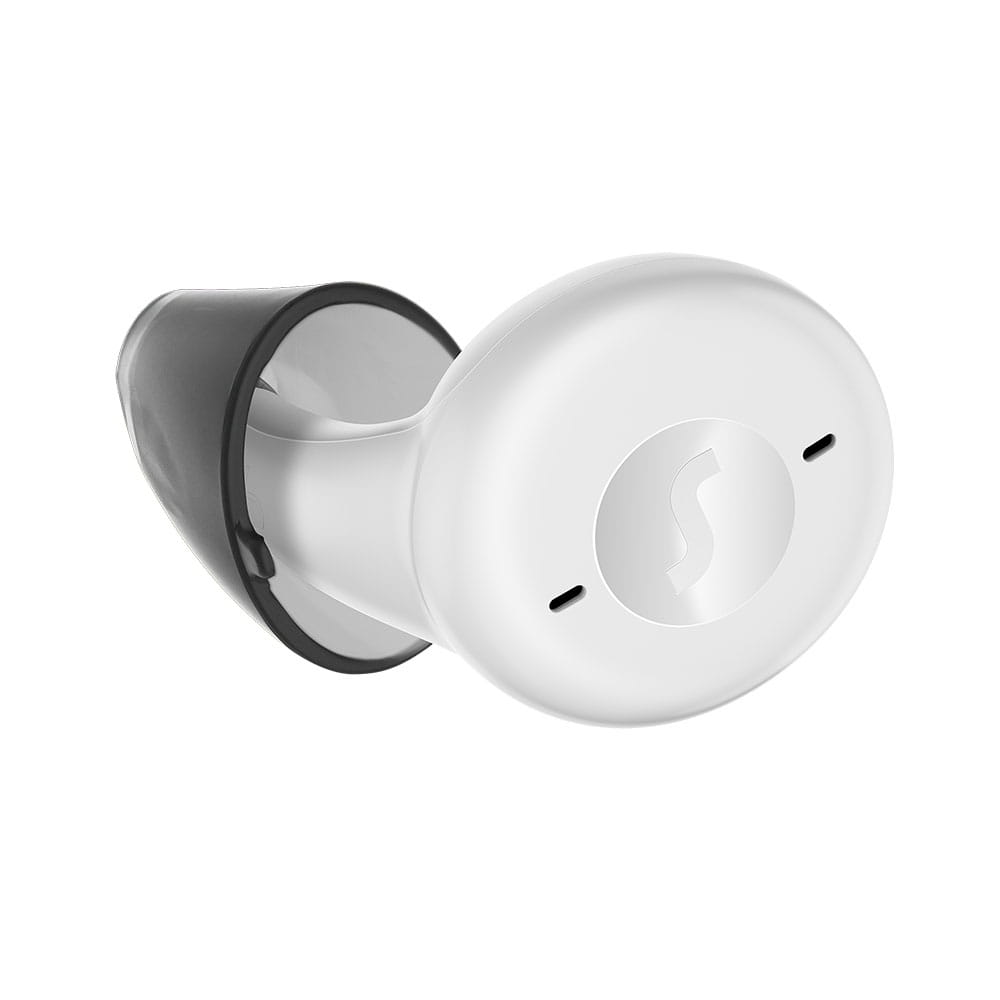 | Active Pro IX ₹324990 An earbud on the outside with advanced hearing technology on the inside. View product → |
BTE hearing aids ₹20990 Hearing aids have come a long way since the first bulky behind-the-ear models from the 1960s. View product → |
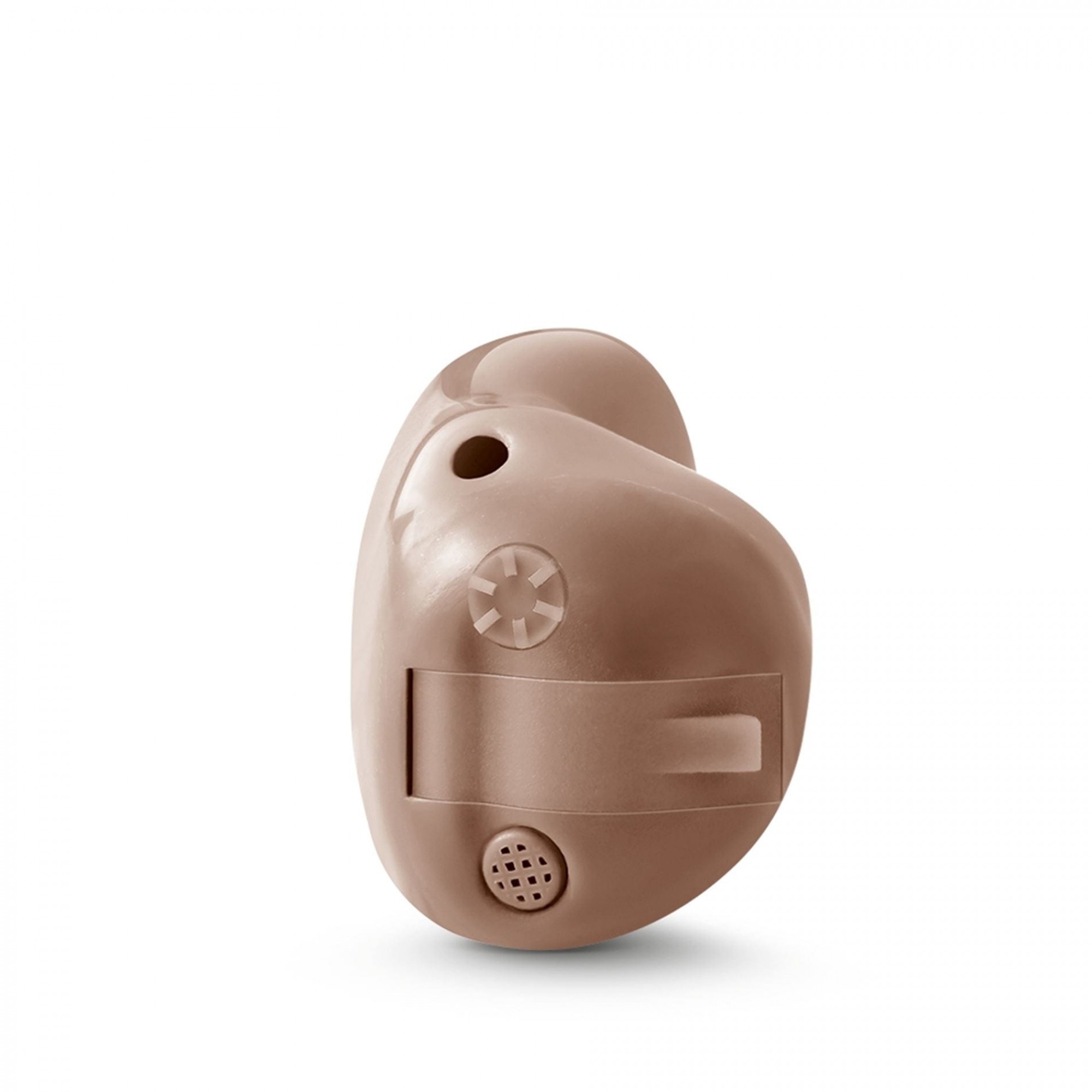 | Intuis 3 Custom ₹31990 Intuis 3 family Proven technology, outstanding comfort. It’s the simple things in life that are the most extraordinary. View product → |