Speech can remain difficult in a restaurant, car, meeting room or windy street even when a hearing aid improves audibility. By comparing Widex and ReSound features with the realities of fitting, phone use, charging and daily communication, you can match a device and setting to the listening problem you actually face.
Key takeaways
- Use restaurant and meeting settings to prioritise speech over steady background noise.
- Check the exact model before expecting phone, television or remote microphone support.
- Choose CIC, ITC, RIC or BTE based on hearing needs and handling ability.
- Clean microphones, charge batteries correctly and review the fitting when speech remains unclear.
Which Widex and ReSound features matter in everyday noise?
In everyday noise, Widex hearing aid features and ReSound hearing aid features improve access to speech; they do not restore normal hearing. Directional microphones favour sound arriving from the front, while adaptive noise reduction lowers steady sounds such as fans or road rumble. Neither system can recreate speech information already masked by another voice.
| Feature | What it does | Practical limit |
|---|---|---|
| Widex sound processing | Balances speech audibility with environmental sound and manages changing noise | Exact performance depends on the model, fitting and listening environment |
| ReSound directional modes | Modes such as Ultra Focus concentrate microphone sensitivity toward a speaker in front | Sounds from the sides or behind become less prominent |
| Both brands’ processing | Uses adaptive noise reduction, feedback cancellation and automatic environment detection | Multiple talkers, reverberation and loud music can remain difficult |
A remote microphone often helps more than noise reduction when the speaker is distant or soft-spoken. Put it near the talker’s mouth to improve the signal before it reaches the hearing aids, but remember to carry, charge and position it correctly.
Ask for real-ear measurement when speech remains unclear or sounds too loud. Probe-microphone verification confirms output at your eardrum; an app wizard, factory setting or first impression cannot replace it.
The right setting for restaurants, cars, meetings and outdoor listening
A hearing aid improves access to speech; it does not make a crowded restaurant quiet. Choose a mode that matches the sound pattern, then improve the signal by reducing distance and facing the talker.
| Environment | Best setting | Communication habit |
|---|---|---|
| Restaurant | Speech enhancement with directional microphones or a restaurant program | Sit with your back to a wall, choose a quieter corner, and face the person speaking. Ask one person to speak at a time. |
| Car | A speech-focused or manual directional program | Put the talker beside or slightly in front of you, keep windows closed, and lower the audio system. Do not use a tightly front-facing mode if you need to hear the driver from the side. |
| Meeting | Automatic environment detection or an all-around meeting program | Sit near the main speaker, keep your view unobstructed, and ask participants not to speak over one another. |
| Outdoors | Wind-noise management with automatic environment detection | Face away from the wind and move close before talking. Use ReSound Ultra Focus for one nearby speaker in difficult noise, but switch back when traffic or sounds behind you matter. |
Ultra Focus is a situational ReSound feature, not a universal “best” setting. Widex and ReSound both offer common tools such as directional processing and feedback cancellation, while the program name and controls depend on the exact model.
Natural sound, speech focus and controls you can change discreetly
Widex generally prioritizes a close-to-natural listening impression, while ReSound places strong emphasis on adaptive directionality and access to speech in front of you. Neither approach restores normal hearing; the best result depends on your audiogram, fitting, ear acoustics and exact model.
| Approach | Widex | ReSound |
|---|---|---|
| Natural sound | Widex PureSound uses processing below 0.5 milliseconds to reduce artificial “echo” from your own voice, chewing or footsteps. | Sound-processing and feedback controls vary by model; ask how open fittings will affect naturalness. |
| Speech focus | Automatic programs balance speech, noise and comfort; Widex SoundRelax and Widex Zen are sound options, not cures. | Directional modes such as Ultra Focus on supported models favor a talker in front but reduce awareness from the sides and rear. |
| Connectivity | Streaming and app controls depend on the hearing aid, phone, operating system and connection method. | Direct streaming and app control depend on the hearing-aid family and the phone’s compatibility list. |
Use the setting that matches the task:
- Stay on automatic for changing environments and ordinary daily listening.
- Choose a manual program for one nearby speaker in difficult noise, then switch back when the scene changes.
- Use streaming for calls, television or music only after testing your own phone and the exact hearing-aid model.
- Use Widex Zen or SoundRelax at a comfortable, individually fitted level for tinnitus-related listening; stop if the sound aggravates symptoms and seek professional guidance.
Phone, television and remote microphone support: check the exact model
Do not trust a demonstration on a clinic tablet: connected features depend on the exact Widex or ReSound model, your phone, its operating system, firmware and connection method. Test the hearing aids with the phone you will use daily.
1. Confirm Bluetooth support and its purpose. A model may support app communication without supporting direct audio, calls or music. Check the manufacturer’s current compatibility list for your hearing-aid family and phone model.
2. Open the hearing aid app on your phone and test volume, programs, balance, battery status and personalisation controls. Verify whether changes happen immediately, require an internet connection or need a clinician’s fitting software.
3. Make and receive a real call. Check call streaming in both ears, caller voice quality, your voice through the phone or hearing-aid microphones, and reconnection after the phone leaves Bluetooth range.
4. Ask whether television streaming requires a dedicated TV accessory. Test lip-sync, independent television volume and whether other household members can keep their preferred speaker volume.
5. Test the remote microphone with a person sitting several metres away. Place it near the talker’s mouth, then confirm range, battery life and reconnection; carrying and charging it is the trade-off for clearer distant speech.
Get these answers in writing before choosing a model. “Bluetooth hearing aids” does not guarantee every connected feature.
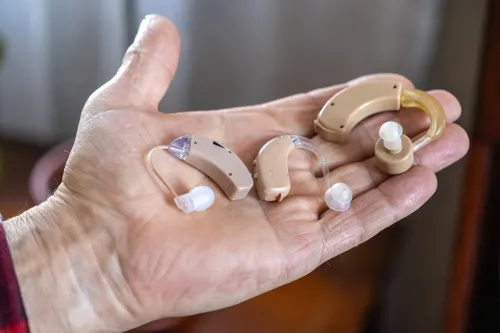
Choosing CIC, ITC, RIC or BTE for your hearing and handling needs
Choose the smallest design that provides enough output, stays secure in your ear, and matches how you handle batteries or charging.
| Option | Best fit | Watch-outs |
|---|---|---|
| CIC hearing aid | Mild to moderate loss, clear ear canals, and a priority for low visibility | Small controls and batteries challenge limited dexterity; wax and moisture can block the microphone |
| ITC hearing aid | Mild to moderately severe loss when you need larger controls than a CIC | More visible, and a narrow or unusually shaped canal can make fitting uncomfortable |
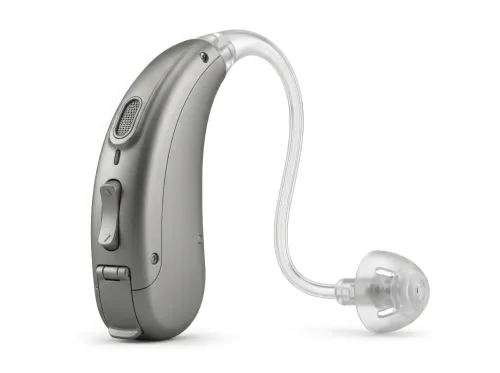
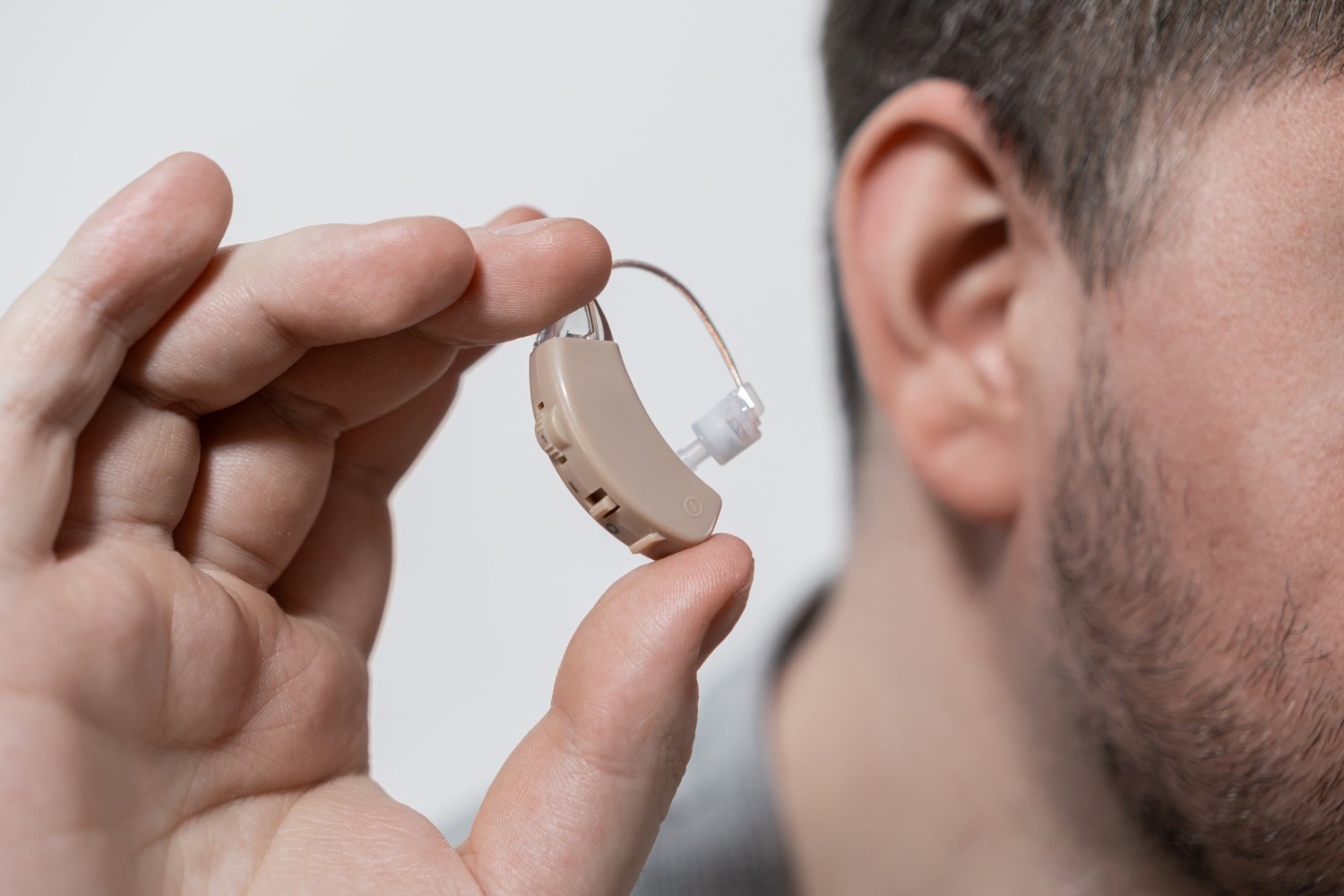
| RIC hearing aid | Many mild to severe losses, open-canal comfort, and frequent phone or streaming use | The receiver and wire need cleaning; heavy wax or drainage can damage the receiver |
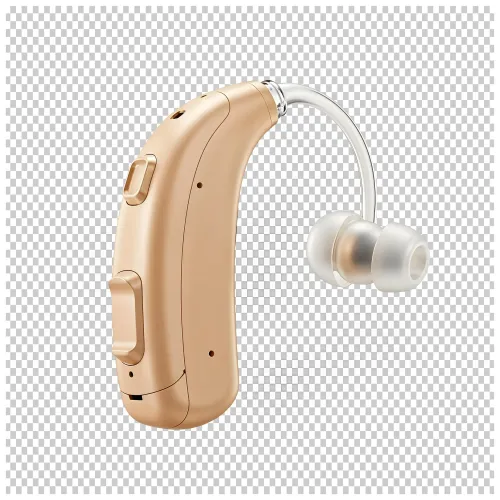
| BTE hearing aid | Broad power needs, frequent wax, fragile ear canals, or a need for an earmold and larger controls | More visible and easier to catch on masks, glasses, or headwear |
Your hearing-loss pattern and ear anatomy determine whether the aid can deliver adequate amplification without feedback. Ask for an ear examination before choosing: blocked canals, recurrent wax, pain, or drainage need attention first, not a tighter fit.
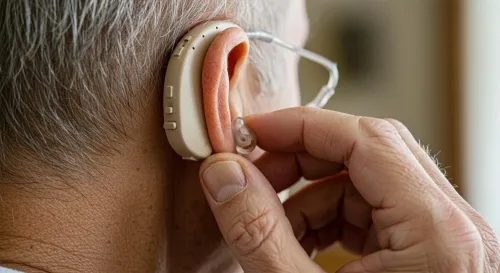
Rechargeable models reduce small-battery handling but require regular charging and a charger during travel. If you have limited finger control, verify that you can insert, remove, clean, and charge the exact model independently—or arrange help.
Fitting, charging and maintenance checks that determine real-world benefit
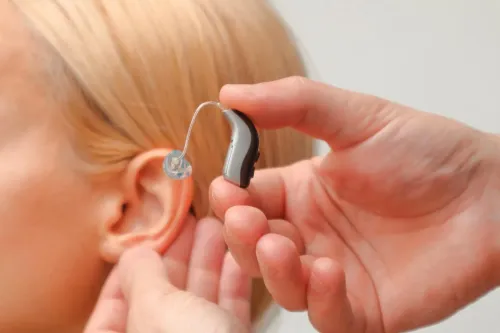
After purchase, a hearing aid fitting should verify comfort, speech audibility and physical retention—not just confirm that the device turns on. Ask for real-ear measurement, which uses a probe microphone near your eardrum to check that the programmed output matches your prescription. Test your own phone, charger and streaming connection, not only clinic equipment.
Use this post-fitting checklist:
- Wear the aids during quiet conversation, television and background noise; record words you miss and sounds that feel painfully loud.
- Check that domes, earmoulds or custom shells do not cause soreness, whistling, looseness or a blocked sensation.
- For rechargeable hearing aids, confirm charging indicators, full-charge time and expected daily use; keep the charger available during travel.
- Inspect wax filters, microphone openings, receivers and charging contacts for blockage, moisture or debris.
- Follow the clinic’s hearing aid maintenance instructions; do not rinse the devices or insert sharp objects into openings.
Persistent feedback, unclear speech, uneven loudness or slipping means the fitting needs review. Sudden hearing change, ear pain, drainage, rapidly worsening feedback or suspected hardware failure requires examination, not remote adjustment. At Mukund Speech And Hearing Center, ask whether the review includes real-ear verification and an inspection of the ear, tubing, receiver or mould.
A ReSound remote adjustment can help with settings, but it cannot diagnose an ear problem.
Related products
ReSound hearing aids Your hearing experience should address your unique needs. ReSound's ecosystem of hearing aids, wireless accessories and apps help you to hear and... View product → |
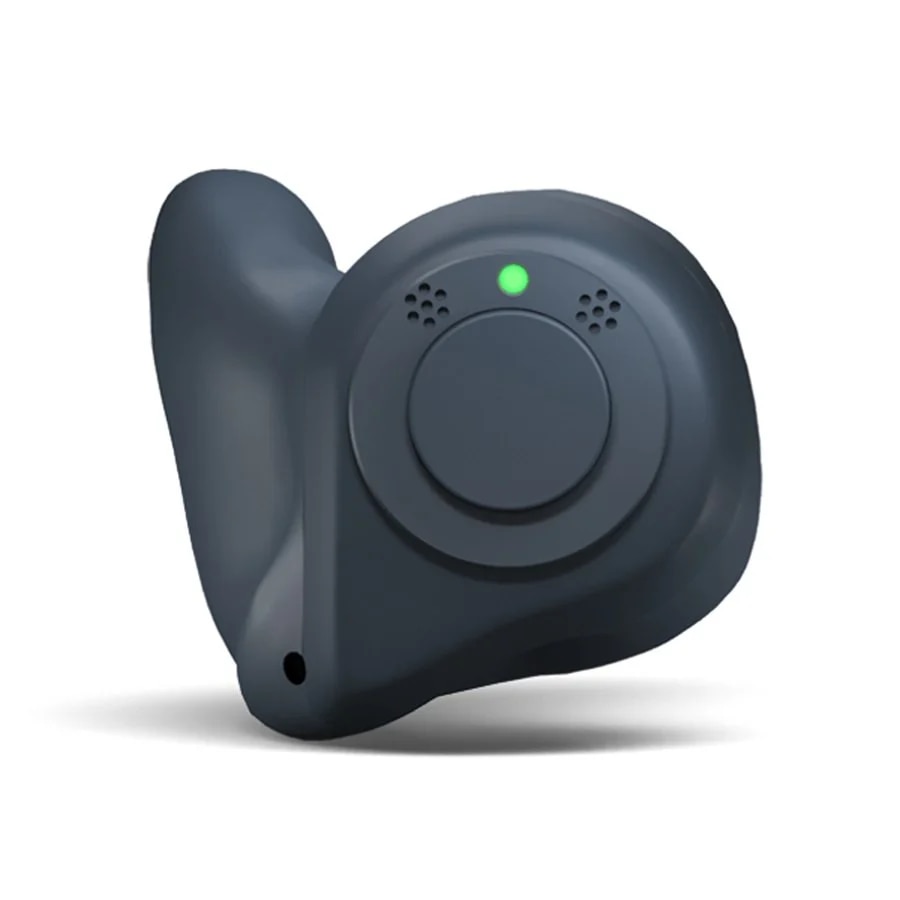 | ReSound Nexia 7 CIC ₹230995 The ReSound Nexia 7 CIC is a premium, discreet, custom-fit, Completely-In-Canal (CIC) hearing aid offering advanced sound processing, 14 channels,... View product → |
Frequently asked questions
Which Widex and ReSound features help in everyday noise?
Directional microphones favour sound from the front, while adaptive noise reduction lowers steady sounds such as fans and road rumble. These features cannot separate speech fully when another voice masks it.
Which hearing aid setting suits restaurants, cars, meetings and outdoor listening?
Use a speech-focused setting in restaurants and meetings, a setting that manages road noise in cars, and an outdoor setting that addresses wind and changing sound sources. Your clinician can adjust these programs to your hearing test results.
How do Widex and ReSound hearing aids support phone and television listening?
Support depends on the exact hearing aid model and compatible accessories. Confirm Bluetooth calling, television streaming and remote microphone compatibility before choosing a device.
How do CIC, ITC, RIC and BTE hearing aids differ?
CIC and ITC aids sit in the ear and offer different visibility and handling trade-offs. RIC aids place the receiver near the ear canal, while BTE aids keep the main unit behind the ear. The suitable style depends on hearing loss, dexterity, ear anatomy and feature requirements.
What fitting, charging and maintenance checks affect hearing aid benefit?
Confirm that the hearing aid was fitted to your hearing test, charge rechargeable models fully, replace disposable batteries correctly, keep microphones and sound outlets clear, and schedule a review when speech remains unclear.
Related products
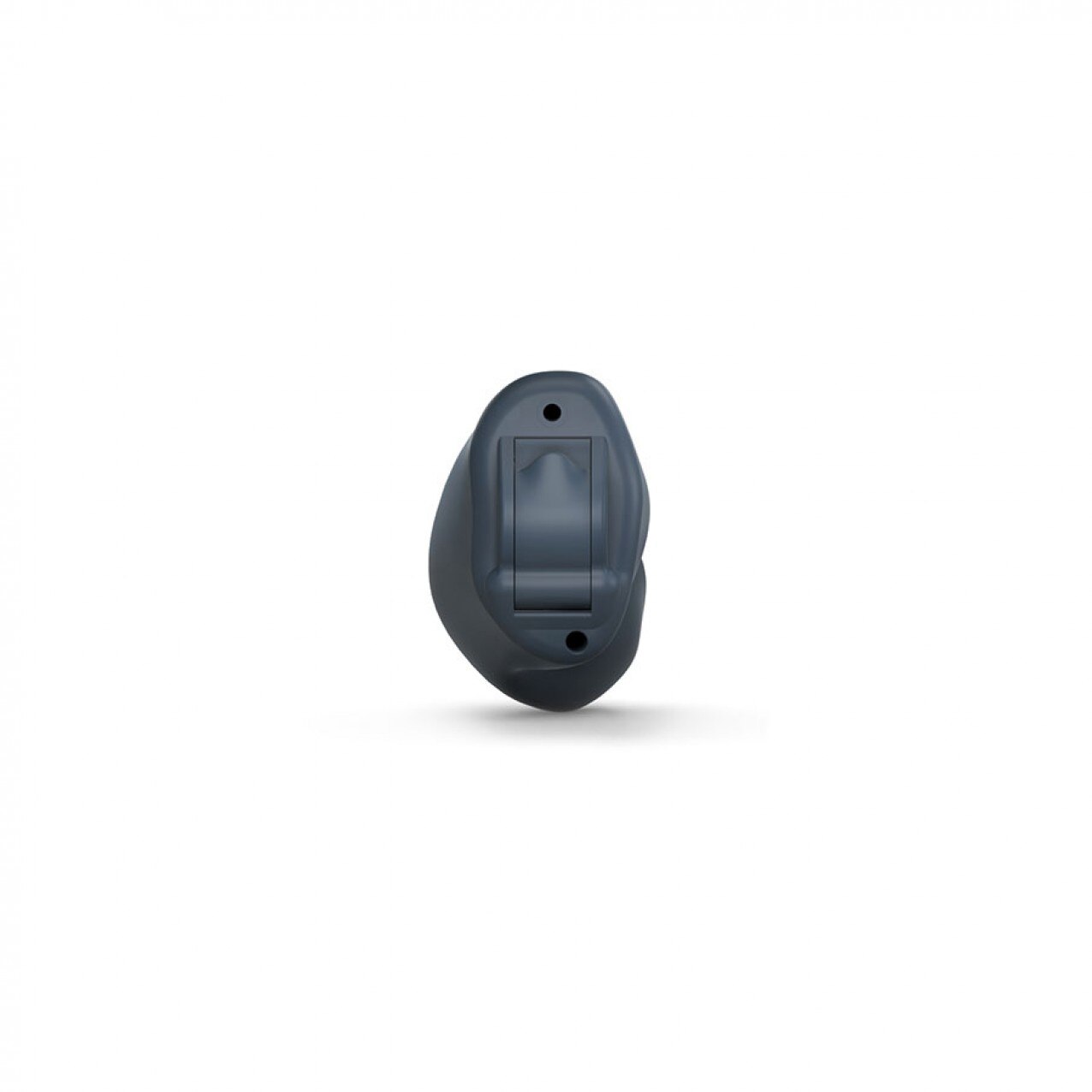 | ReSound Nexia 9 CIC ₹414995 The ReSound Nexia 9 CIC (Completely-in-Canal) is a premium, virtually invisible hearing aid for mild to moderate hearing loss, featuring the advanced... View product → |
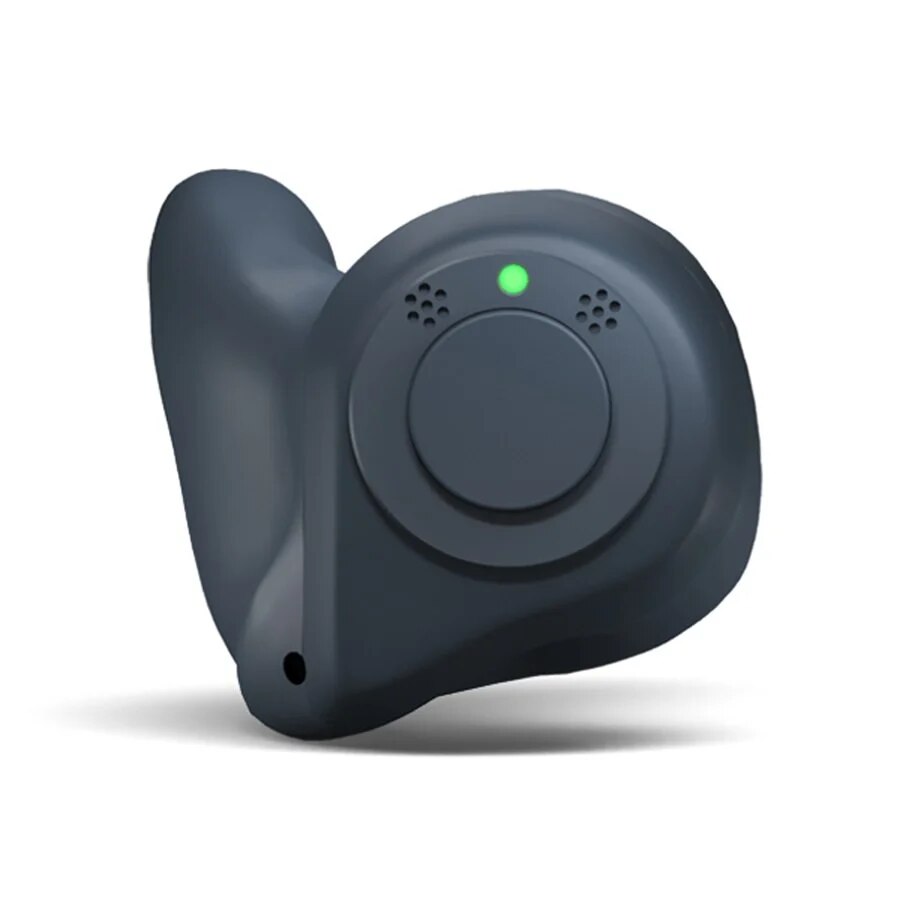 | ReSound Nexia 7 ITC ₹483995 The ReSound Nexia 7 ITC is a premium In-The-Canal (ITC) custom hearing aid that delivers clear, natural sound in a discreet and comfortable in-ear... View product → |
Resound Linx Quattro RIC Hearing Aid Resound Linx Quattro RIC Hearing Aid Model Name/Number Linx Quattro Brand Resound Aid Placement Receiver In The Canal No. View product → |